
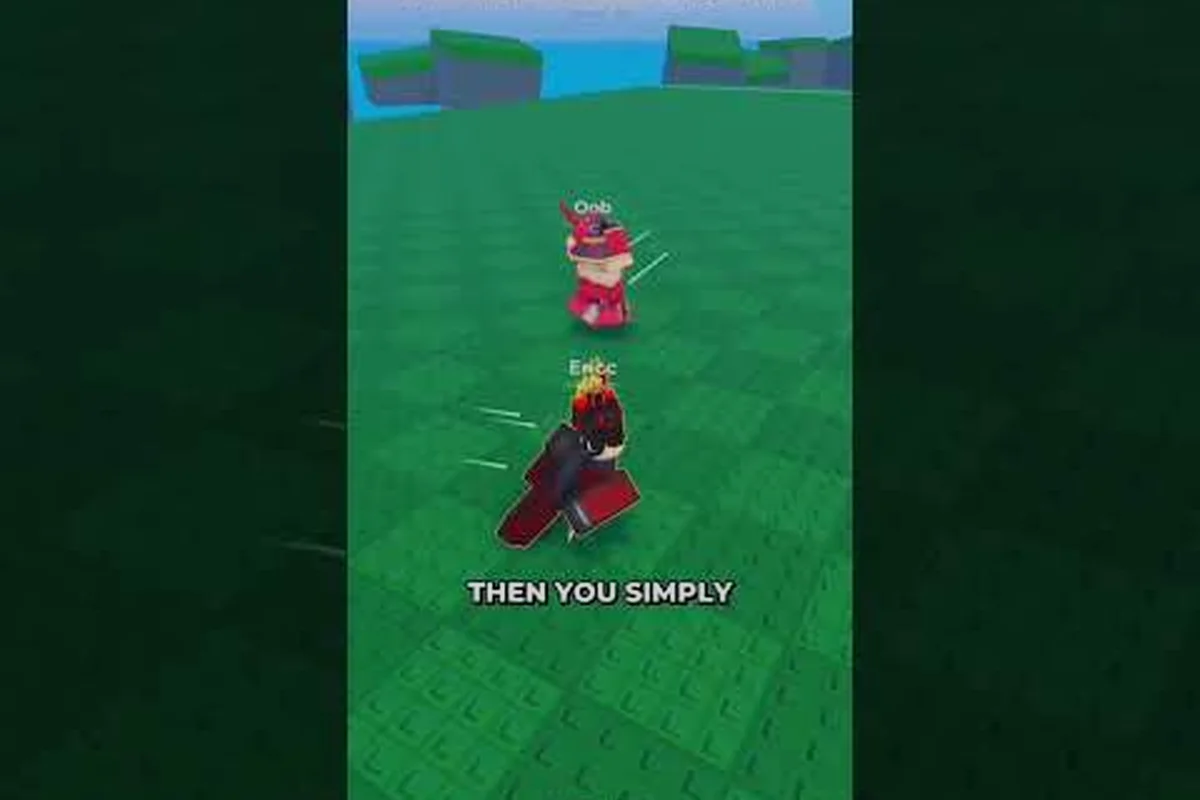
Huss Valley settings shape every chase, slide, and vault you pull off inside the industrial arena of Folk Valley. New players often jump straight into a 16-player lobby without checking their keybinds, which leads to missed abilities and frustrating early losses. This guide breaks down the core controls, confirms the free-to-play status, and compares Huss Valley against the similarly named Escape Huss Valley so you know exactly what you are loading into.
Core Huss Valley Settings and Control Layout
The default Huss Valley settings are built around a compact keyboard layout that keeps movement and ability keys close together. Developer Ve3 designed the control scheme so Runners can transition from sprinting into a slide or vault without lifting their left hand far from the movement cluster. Understanding these binds before your first match prevents the common mistake of pressing the wrong key during a high-pressure chase.
The official game page lists the primary controls clearly, which makes setup straightforward even for players who usually skip tutorials. Movement uses the standard WASD keys, while the action keys are distributed across nearby letters and modifier keys. The most important binds for survival are the vault and slide commands, because they let you clear obstacles and squeeze through gaps that would otherwise corner you against a wall.
| Action | Default Key | Purpose |
|---|---|---|
| Vault | Space | Jump over low obstacles and climb ledges |
| Slide | C | Duck under barriers and maintain momentum |
| Shiftlock | Left Control | Lock camera angle for precise movement |
| Ability | Q | Activate your Runner or Chaser ability |
| Journal | J | Open the in-game journal for tasks and lore |
| Get Task | T | Receive your current objective |
| Leaderboard | Y | View player standings and elimination order |
Controller players are not left out, because the game includes full gamepad mapping. The official page notes that controller mapping uses Triangle/Y for one of the primary actions, which means console-style play is supported without needing third-party software. This flexibility matters for players who prefer analog movement over keyboard precision, especially during long sessions where hand fatigue becomes a factor.
Fine-Tuning Sensitivity and Graphics
Beyond the default keybinds, Huss Valley settings include options for sensitivity and graphics that directly affect your performance. Higher sensitivity lets you whip the camera around to spot the Chaser behind you, while lower sensitivity gives you steadier aim when you play as the Chaser and need to track a juking Runner. The right balance depends on your playstyle, but most community reports suggest starting with a mid-range sensitivity and adjusting upward only if you find yourself losing track of fast opponents.
Graphics settings matter less for competitive advantage and more for frame rate stability. The industrial arena of Folk Valley includes plenty of moving parts, conveyor belts, and environmental hazards that can tax lower-end hardware. Dropping shadow quality and particle effects often stabilizes the frame rate enough to make high-speed chases feel smooth, which is more important than visual fidelity in a tag-survival game where split-second reactions decide rounds.
What Is Huss Valley and How Does a Round Work
Huss Valley is a free-to-play Roblox tag-survival experience where up to 16 players enter an industrial map called Folk Valley. One player becomes the Chaser while everyone else plays as Runners, and the goal is simple: survive long enough to cross the map or outlast the timer. The asymmetry between the lone hunter and the fleeing group creates constant tension, because Runners never know when the Chaser will round a corner or cut off an escape route.
The game loop rewards movement mastery above all else. Runners can sprint, vault, and slide through the environment, which means map knowledge and mechanical skill matter more than raw combat ability. The Chaser, by contrast, relies on prediction and ability timing to corner multiple targets at once. This dynamic keeps rounds short and replayable, because no two chases play out the same way when human opponents are involved.
| Role | Player Count | Objective | Key Tools |
|---|---|---|---|
| Runner | Up to 15 | Cross the map or survive the timer | Sprint, vault, slide, ability |
| Chaser | 1 | Eliminate all Runners before escape | Hunt ability, prediction, map control |
| Spectator | Eliminated players | Watch the remaining round | Camera controls, leaderboard |
The official page for Huss Valley confirms that the game is developed by Ve3 and operates as a tag-survival title rather than a traditional fighting game. This distinction matters because new players sometimes expect combat mechanics similar to other Roblox arena games. Instead, success comes from positioning, route planning, and understanding when to use your ability versus when to save it for a critical moment.
The Industrial Arena of Folk Valley
Folk Valley is not a flat, empty map. The industrial setting includes verticality, tight corridors, and open sightlines that favor different playstyles at different moments. Runners want to stick to areas with multiple vault points and slide gaps, because those create distance from the Chaser. The Chaser, meanwhile, wants to funnel Runners into dead ends where the ability can catch multiple targets at once.
Learning the map layout is one of the fastest ways to improve, because the best Huss Valley settings will not save you if you run into a corner. Community players often recommend spending your first few rounds exploring rather than trying to win, since familiarity with escape routes and hazard placements pays off immediately in later matches. The Journal keybind exists for this reason, letting you track tasks and objectives without pausing the action.
Huss Valley vs Escape Huss Valley: Key Differences
The naming similarity between Huss Valley and Escape Huss Valley causes confusion for players searching for the right game. Both titles appear in Roblox search results, but they are distinct experiences with different mechanics and goals. Knowing the difference before you invest time prevents the frustration of loading into the wrong lobby and wondering why the controls feel off.
Huss Valley focuses on the asymmetric tag-survival loop described above, where one Chaser hunts up to 15 Runners in a single industrial arena. Escape Huss Valley, by contrast, leans into a different structure that emphasizes escaping the valley itself rather than surviving a hunter. The two games share a thematic setting, but the moment-to-moment gameplay diverges significantly once you move past the loading screen.
| Feature | Huss Valley | Escape Huss Valley |
|---|---|---|
| Core Loop | Tag-survival with one Chaser | Escape-focused progression |
| Player Count | Up to 16 | Varies by lobby |
| Map Focus | Single industrial arena | Multiple escape routes |
| Primary Skill | Movement and evasion | Route planning and timing |
| Developer | Ve3 | Different development team |
The comparison matters because search results often mix the two titles together. If you are looking for the 16-player tag-survival game with vault and slide mechanics, Huss Valley is the correct choice. If you want an escape-room or obstacle-course style experience, you may be thinking of the other title. Checking the official game page before joining a lobby is the fastest way to confirm you are in the right place.
Why the Confusion Persists
Roblox hosts thousands of games with overlapping names, and the word "Huss" appears in multiple titles across the platform. This naming overlap is not unique to Huss Valley, but it does create a real problem for new players who search for the game by name alone. The official page for Huss Valley includes the developer name Ve3, which serves as a useful identifier when you are comparing search results.
The comparison also extends to community discussions, where players sometimes reference "Escape Huss Valley" when they actually mean the standard Huss Valley tag-survival mode. Paying attention to context clues like player count, Chaser mechanics, and the Folk Valley map name helps you figure out which game someone is actually talking about. The 16-player arena is a strong signal that the discussion is about Huss Valley proper.
Is Huss Valley Free to Play and How to Optimize Your Setup
Huss Valley is completely free to play, which removes the biggest barrier to entry for new players. The official Roblox page lists no upfront cost, and the game follows the standard Roblox model where optional cosmetics and codes provide progression without pay-to-win mechanics. This free-to-play status is one of the reasons the game has attracted a growing player base, because anyone can jump into a 16-player lobby without spending money.
The free-to-play model also means the developer relies on player engagement and likes to unlock new content. The official page lists several codes, including 1500LIKES, 1000LIKES, and UPDATE4, with the next code promised at 2000 likes. These codes reward the community for supporting the game, and redeeming them is a quick way to grab free items without spending Robux. The codes guide for free rewards covers the redemption process in detail.
| Code | Status | Reward Type |
|---|---|---|
| 1500LIKES | Active | Free items |
| 1000LIKES | Active | Free items |
| UPDATE4 | Active | Update rewards |
| 2000LIKES | Upcoming | Promised at 2000 likes |
Optimizing your Huss Valley settings goes beyond just keybinds and graphics. The sensitivity options deserve careful attention, because the difference between a comfortable sensitivity and a slightly-too-high one can mean the difference between escaping a chase and getting tagged. Start with the default value, play a few rounds, and make small adjustments until your camera movements feel natural rather than forced.
Practical Setup Checklist for New Players
Before you enter your first real match, run through a quick setup checklist to make sure your Huss Valley settings are ready. This takes less than two minutes and prevents the mid-round panic that happens when you realize your vault key is not where you expected it to be. The rules guide explains the round structure in more detail, but the setup steps below cover the technical side.
-
Confirm your vault key is set to Space or a comfortable alternative
-
Test the slide key in a safe area before the round starts
-
Adjust sensitivity to a mid-range value and tweak after one match
-
Lower shadow quality if your frame rate drops during chases
-
Redeem active codes from the official page before queuing
-
Check the leaderboard keybind so you can track eliminations
The setup process is intentionally simple, because the game wants you in the action quickly. Spending a few minutes on these settings before your first round pays off immediately, because you will not be fighting your own controls while also trying to evade the Chaser. The industrial arena of Folk Valley is unforgiving enough without adding keybind confusion to the mix.
Advanced Huss Valley Settings for Competitive Play
Competitive players push Huss Valley settings further than casual users, because small optimizations compound over dozens of rounds. The shiftlock feature, bound to Left Control by default, is one of the most underused tools in the game. Activating shiftlock locks your camera angle relative to your character, which lets you run in one direction while looking behind you to track the Chaser. This technique is essential for high-level Runner play, because it removes the blind spot that normally gets you tagged.
The ability key, bound to Q, also deserves more attention than most players give it. Each role has a distinct ability that can swing a round when timed correctly, and keeping it on an easily reachable key means you will actually use it under pressure. Some competitive players rebind the ability to a mouse button for even faster access, though the default Q placement works fine for most situations.
| Setting | Casual Recommendation | Competitive Recommendation |
|---|---|---|
| Sensitivity | Mid-range, comfortable | Higher for faster camera turns |
| Shiftlock | Off or occasional | Always on for Runner play |
| Ability Key | Default Q | Q or mouse side button |
| Graphics | Balanced | Lower for maximum frame rate |
| Slide Key | Default C | C or rebind to Shift |
The team wipe guide explains how round resets and streaks work, which connects directly to why competitive players optimize their settings so aggressively. When a single mistake can reset your streak and wipe your team, every fraction of a second saved by a better keybind or higher frame rate matters. The competitive scene for Huss Valley is still growing, but the fundamentals of movement optimization apply at every skill level.
Frame Rate and Input Lag Considerations
Frame rate stability is the single most important technical factor in Huss Valley, because the game moves fast and punishes hesitation. A stable 60 frames per second is the minimum target for comfortable play, and competitive players often push for higher refresh rates if their hardware supports it. Lowering graphics settings is the fastest way to achieve this stability, especially on laptops or older desktops that struggle with the industrial map's particle effects.
Input lag compounds the problem, because a delayed slide or vault can mean the difference between escaping and getting tagged. Keeping your graphics settings conservative reduces the load on your system, which in turn reduces input lag. The trade-off is visual fidelity, but in a game where you are constantly moving and reacting, smooth performance beats pretty shadows every time.
Frequently Asked Questions
Is Huss Valley actually free to play?
Yes, Huss Valley is completely free to play on Roblox. The official game page lists no upfront cost, and the developer uses optional codes and cosmetics for progression. You can join a full 16-player lobby without spending any Robux, which makes it accessible to everyone.
What are the most important Huss Valley settings for beginners?
The most important settings are your vault key, slide key, and sensitivity. Vault is bound to Space and slide to C by default, which work well for most players. Set sensitivity to a mid-range value and adjust after one match. Lower graphics settings if your frame rate drops during chases.
What is the difference between Huss Valley and Escape Huss Valley?
Huss Valley is a 16-player tag-survival game where one Chaser hunts Runners in the Folk Valley arena. Escape Huss Valley is a separate game with a different focus on escaping the valley itself. The two titles share thematic elements but have distinct gameplay loops and developers.
How do I redeem codes in Huss Valley?
You can redeem codes through the official game page or the in-game code menu. Active codes include 1500LIKES, 1000LIKES, and UPDATE4, with a new code promised at 2000 likes. The Huss Valley September codes guide lists the current active codes and redemption steps.
Can I play Huss Valley with a controller?
Yes, Huss Valley supports controller mapping. The official page notes that controller mapping uses Triangle/Y for one of the primary actions, which means gamepad play is fully supported. This is useful for players who prefer analog movement over keyboard controls during long sessions.
The right Huss Valley settings turn a frustrating first round into a smooth, competitive experience. By confirming the free-to-play status, understanding the core tag-survival loop, and distinguishing the game from Escape Huss Valley, you can enter the 16-player Folk Valley arena with confidence. Spend a few minutes on your keybinds and sensitivity, redeem the active codes, and focus on learning the map layout rather than fighting your own controls.